Find your next favourite.
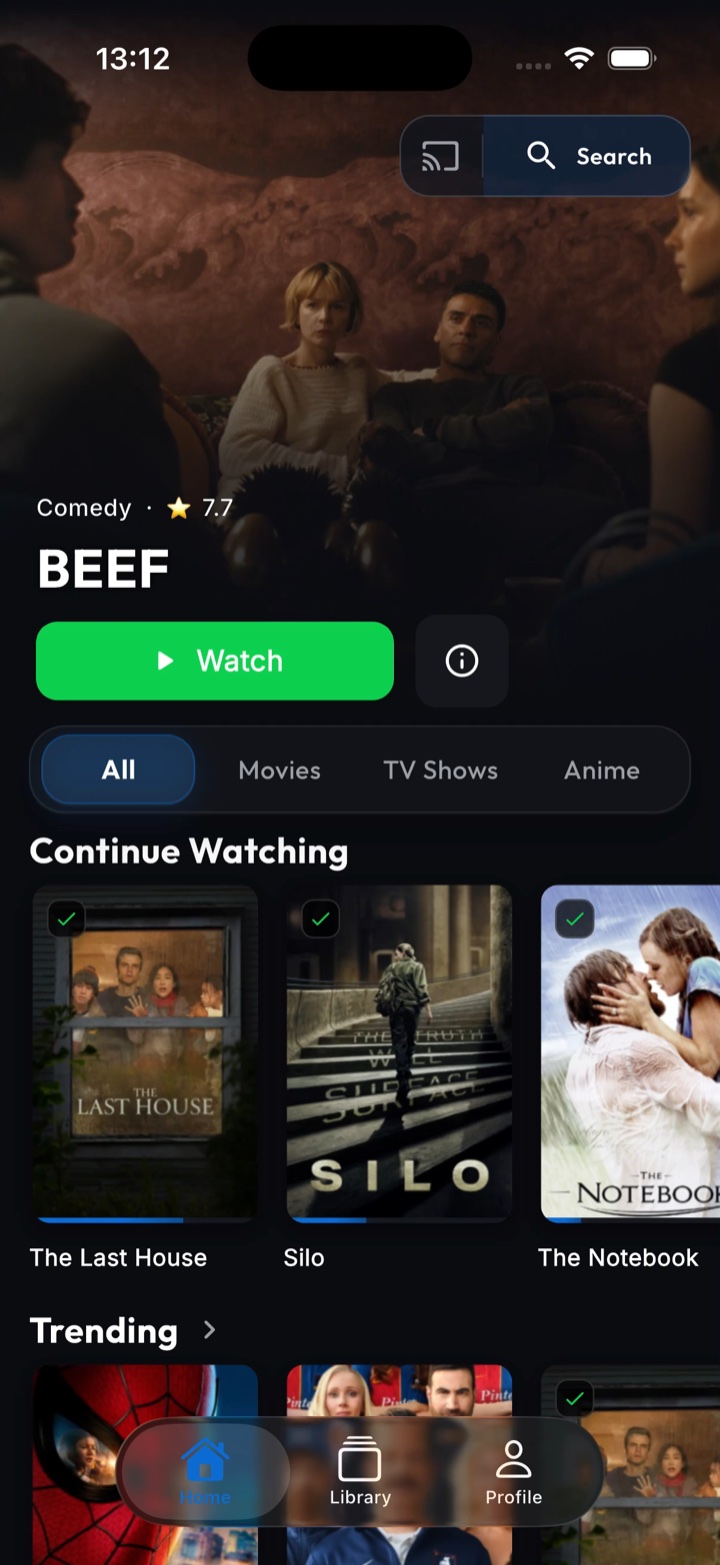
Explore trending films and series, browse by genre and save the ones that catch your eye.
 Nestrr
Get Nestrr
Nestrr
Get Nestrr
A free companion app for your media servers
Nestrr brings Seerr, Plex and Jellyfin together. Browse, request and watch on your phone, Android TV or Mac.
Requires access to Seerr and a Plex or Jellyfin server. How to connect
Free to download and use.
Connects to your
existing services.
 Seerr
Seerr Plex
Plex Jellyfin
 Trakt optional
SETTLE IN
A familiar home for your collection.
Thoughtfully made for you and the people you share it with.
Explore trending films and series, browse by genre and save the ones that catch your eye.
Send a request through Seerr and follow its progress. Your server administrator stays in control.
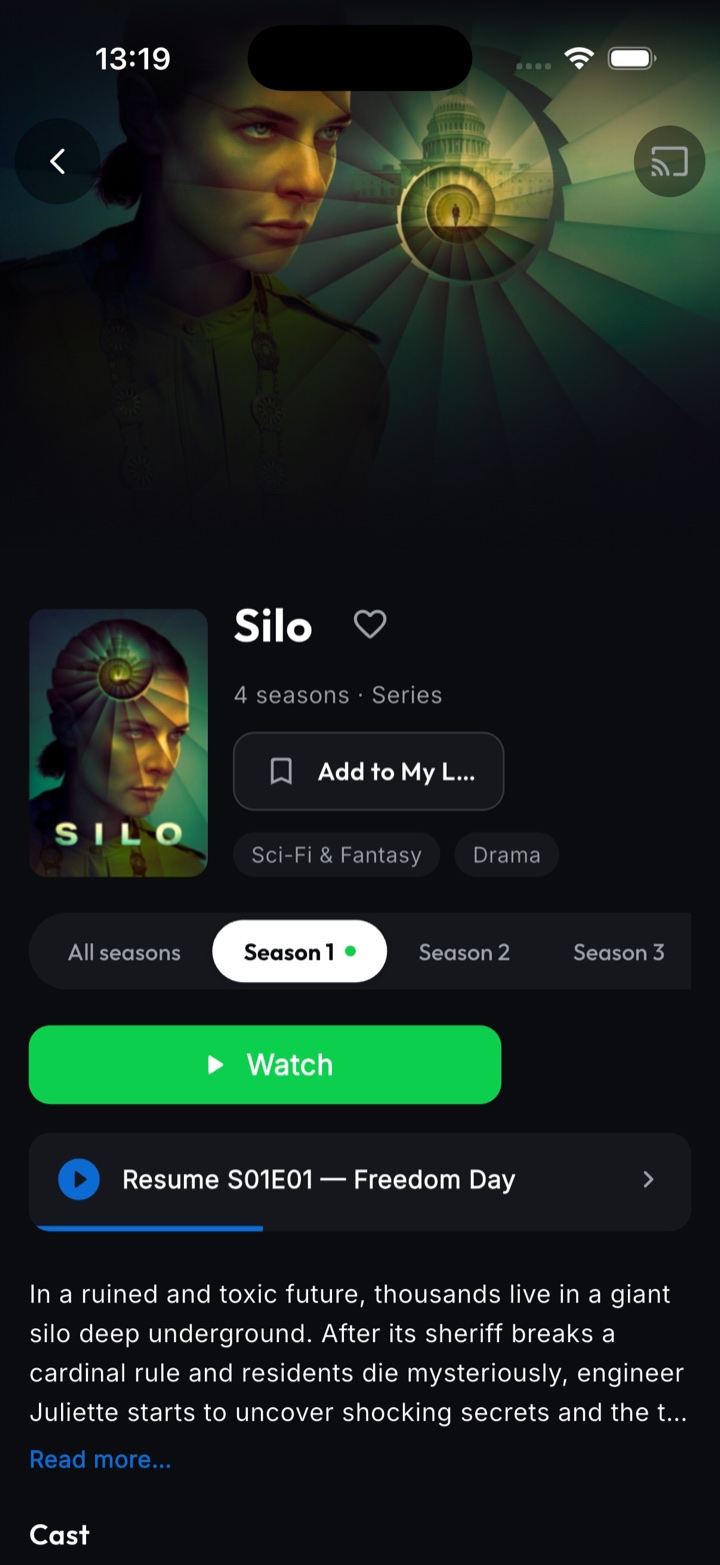
Play from your Plex or Jellyfin server, with your viewing progress synced as you go.
LESS FRICTION. MORE FILMS.
Your library deserves more than a list of files.
Available players depend on your device, connected server and installed apps.
ON YOUR DEVICES
The same connected library, with room to browse on a bigger screen. Nestrr uses your existing Seerr and Plex or Jellyfin setup.
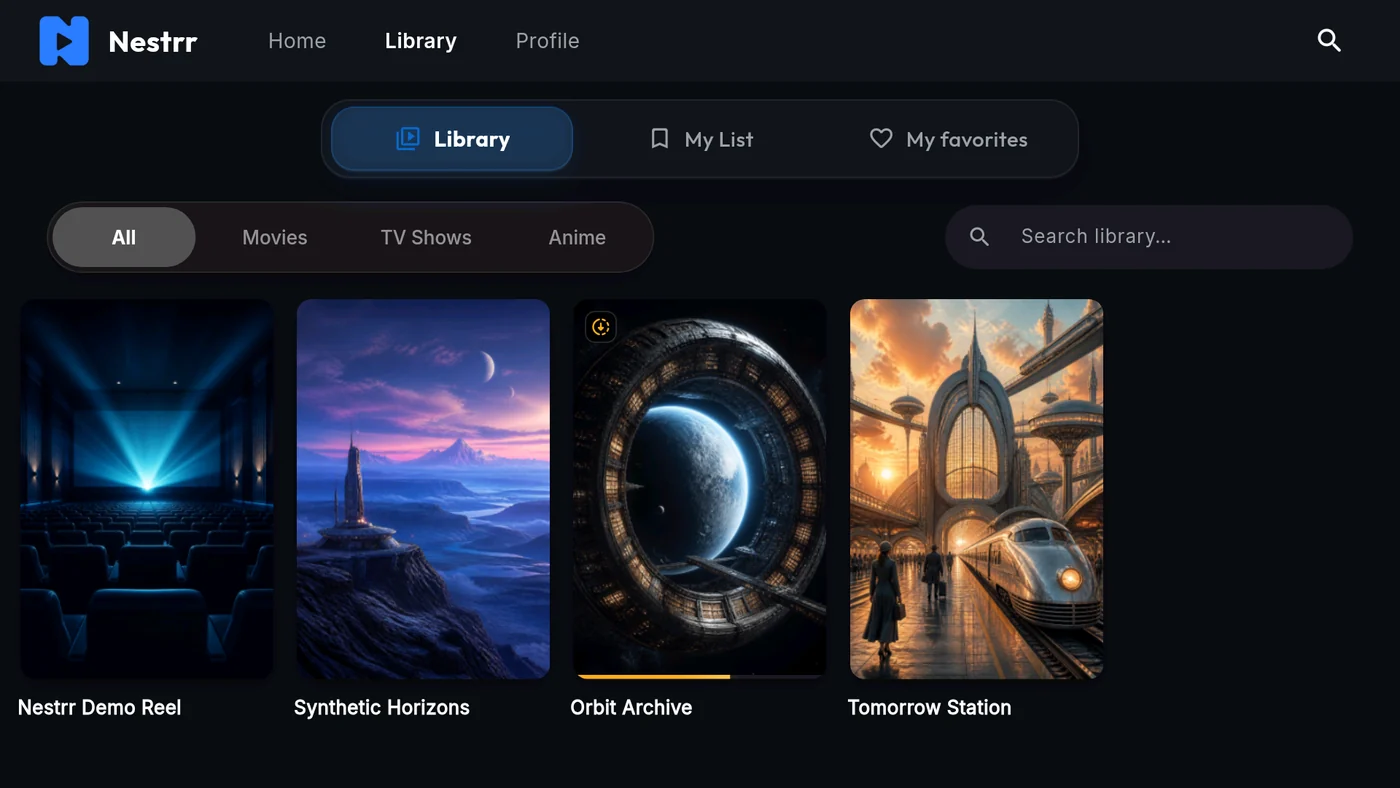
Browse your library from the sofa and choose what to watch. Install from Google Play on a compatible Android TV device.
Explore the TV app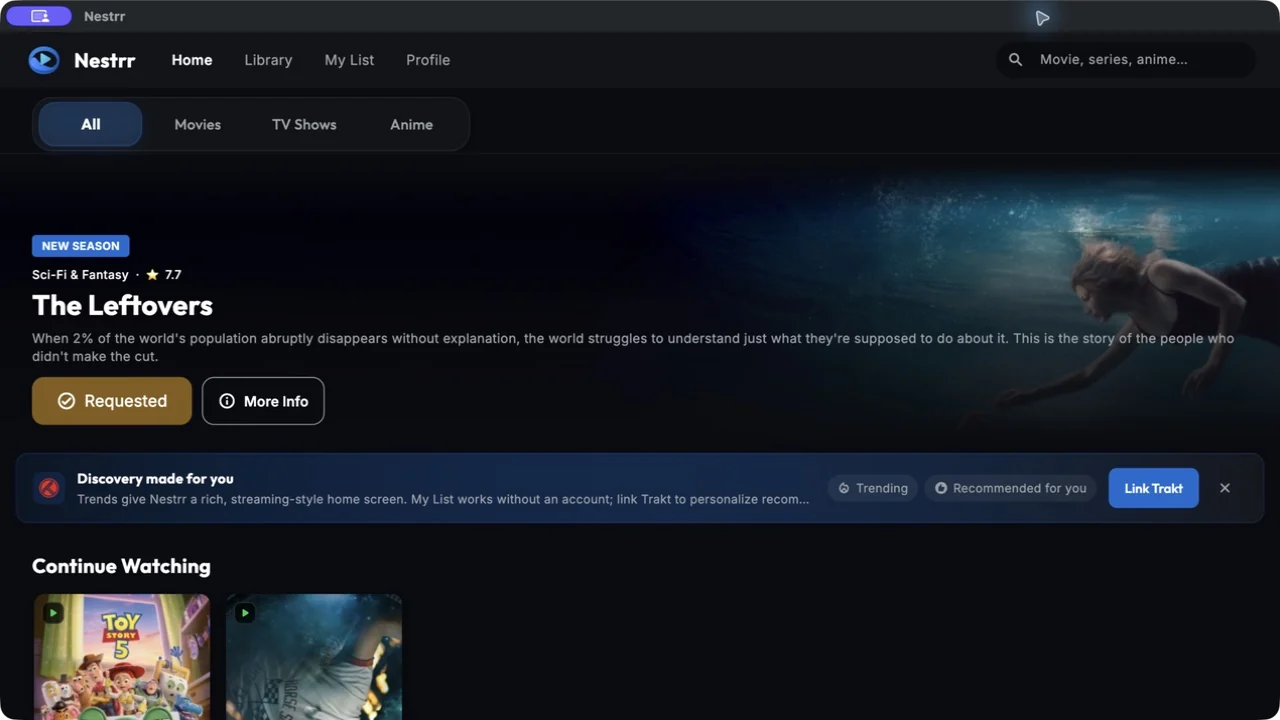
Keep discovery, requests and your connected media library in a desktop app. Available from the Mac App Store.
Explore the Mac appBRING YOUR OWN LIBRARY
Nestrr is the front door to your personal media setup. It doesn’t include or provide any films or series.
Read the connection guideYou’ll need Seerr connected to Plex or Jellyfin, plus an account. Compatible Jellyseerr setups with Jellyfin work too.
Enter your Seerr address and sign in. Connect the matching media server to start watching.
Browse, request and play. Add your Trakt account if you’d like personalised recommendations and synced lists.
Someone else manages your server? Ask them for the Seerr address and your account details. They control access, requests and download permissions.
Nestrr is available on iPhone, iPad, Android, Android TV and macOS. A Windows app is coming soon. Install the app on your device and connect to your existing Seerr and Plex or Jellyfin setup.
Yes. Nestrr is free to download and use, with no in-app purchases, subscriptions or advertising. You’ll need access to your own compatible server setup.
No. Nestrr is an independent app for your privately managed media servers. It does not provide, host or sell media. You can only watch content you have permission to access on your connected server.
Yes. Start with a Seerr server configured for Plex or Jellyfin, or a compatible Jellyseerr server connected to Jellyfin. For Plex sign-in, Seerr must be configured with Plex. If a friend or family member manages your server, ask them for the connection details.
No. You can discover titles, use My List, request media and watch without one. Linking Trakt adds personalised recommendations, synced lists, favourites and a personal release calendar.
Use the Nestrr app on Android TV to browse and watch on your television. You can also save eligible films and episodes for offline viewing on supported devices when your server allows downloads. Mobile playback can also be sent to compatible Google Cast devices, with AirPlay available on iOS. Availability depends on your server, media and device.
Visit the support page or email [email protected]. For server access and permissions, contact your server administrator. Never send passwords or access tokens with a support request.

One familiar app for your phone, TV and Mac. Connect your servers and start browsing.
Free to download and use · Seerr + Plex or Jellyfin required