
Your media library on Android TV.
Nestrr brings your Seerr requests and Plex or Jellyfin library to the television, with an interface made for browsing from the sofa.
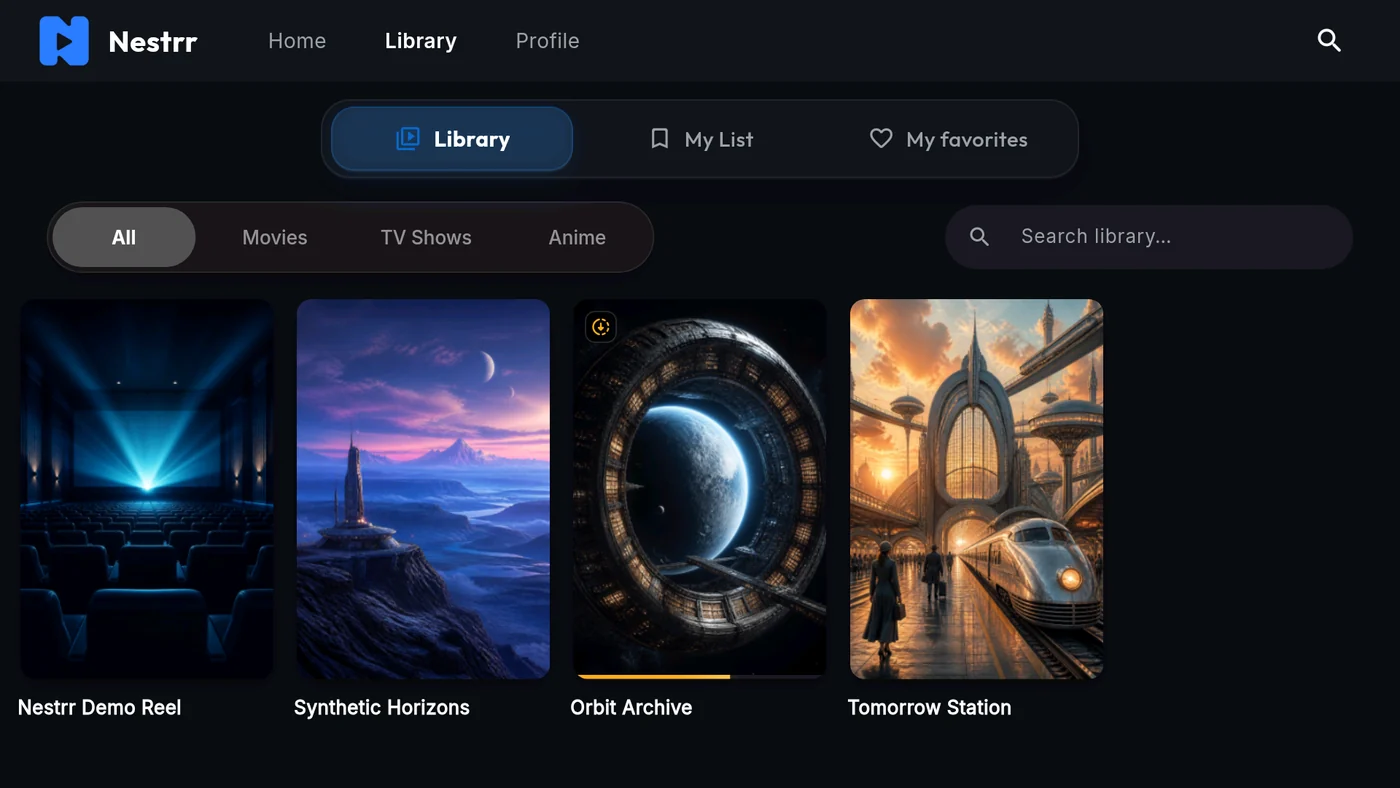
Install on your television
- Open Google Play on your compatible Android TV device and find Nestrr.
- Install the app, then use the Seerr address and account provided by your server administrator.
- Connect the matching Plex or Jellyfin library. Your TV must be able to reach the servers.
What you need
An existing Seerr server configured with Plex or Jellyfin, or a compatible Jellyseerr setup connected to Jellyfin, plus an authorized account. App availability and installation eligibility are shown by Google Play for your device.
An app on the TV, or casting from your phone?
The Android TV app runs on the television itself. Casting starts from the mobile app and sends playback to a compatible Google Cast device. These are separate ways to watch; availability depends on the media, server and device.
Requests stay under your administrator’s control
Nestrr does not download or provide a catalogue of films. Requests go through your connected Seerr installation. Your administrator controls approval, library access and availability.